What Time Was It 6 Hours Ago? A Simple Guide to Fast Time Math

You glanced at the clock, did some quick math in your head, and now you’re second-guessing yourself. Or maybe you’re trying to figure out when something actually happened, a text that came in, a flight that took off, a server log entry, and you need to work backward from “now” to six hours earlier. Either way, you landed here because you want a clear, no-nonsense answer to what time was it 6 hours ago, and you want it fast.
This guide walks you through the exact math, gives you ready-to-use tables for common times, and explains why this tiny calculation trips up more people than you’d expect.
Quick Answer
To find what time it was six hours ago, subtract 6 from the current hour. If the result goes below 0 (in 24-hour format) or below 1 (in 12-hour format), you roll back to the previous day and adjust accordingly.
Formula: Current Time − 6 hours = Time 6 Hours Ago
For example, if it’s 3:00 PM right now, six hours ago it was 9:00 AM the same day. If it’s 2:00 AM right now, six hours ago it was 8:00 PM the previous day.
That’s the whole trick. The rest of this article breaks down the edge cases, gives you tables so you never have to calculate it manually again, and covers the mistakes people make when time zones or AM/PM get involved.
How to Calculate a Time 6 Hours Ago: Step-by-Step
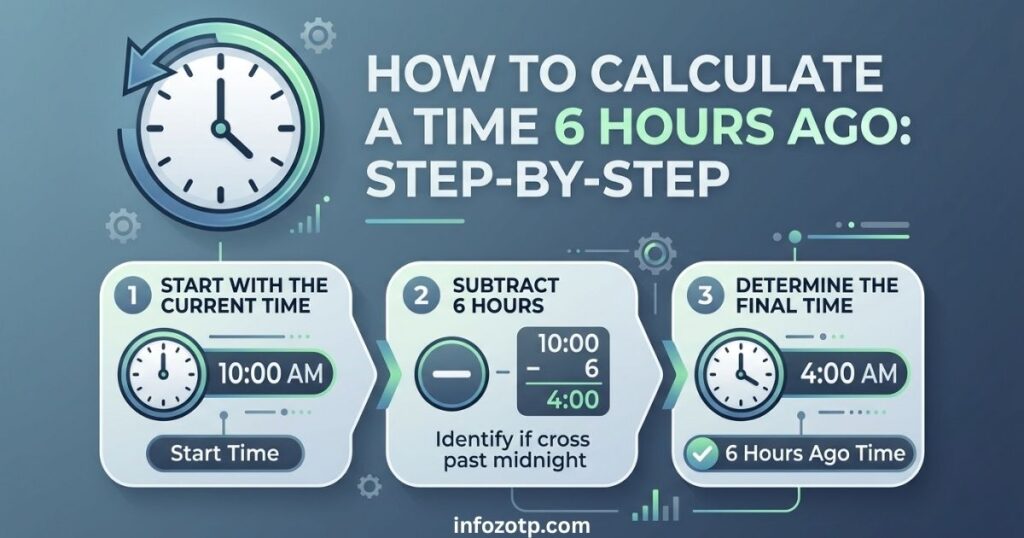
Let’s slow it down and go through the actual process, because the confusion usually isn’t the subtraction — it’s the AM/PM flip and the day rollover.
Step 1: Note the Current Time
Write down the exact time you’re starting from, including whether it’s AM or PM. This sounds obvious, but skipping this step is where most mental math errors start.
Step 2: Subtract 6 from the Hour
Take the hour value and subtract 6. Leave the minutes untouched — they don’t change.
Example: It’s 4:45 PM. Subtract 6 from 4, and you get -2. Since that’s negative, move to Step 3.
Step 3: Handle the AM/PM Switch
If subtracting 6 gives you a positive number and you haven’t crossed over the 12-hour mark, your AM/PM stays the same. But if the hour drops below 1, you need to:
- Add 12 to the negative or zero result
- Flip AM to PM, or PM to AM
Using the example above: -2 + 12 = 10, and PM flips to AM. So 4:45 PM minus 6 hours is 10:45 AM, same day.
Step 4: Check If You’ve Crossed Midnight
This is the part people forget. If your original time was early enough (before 6:00 AM), subtracting six hours pushes you into the previous day, not just an earlier hour today.
Example: It’s 3:00 AM Tuesday. Six hours earlier is 9:00 PM — but on Monday, not Tuesday.
Step 5: Double-Check With 24-Hour Format (Optional But Safer)
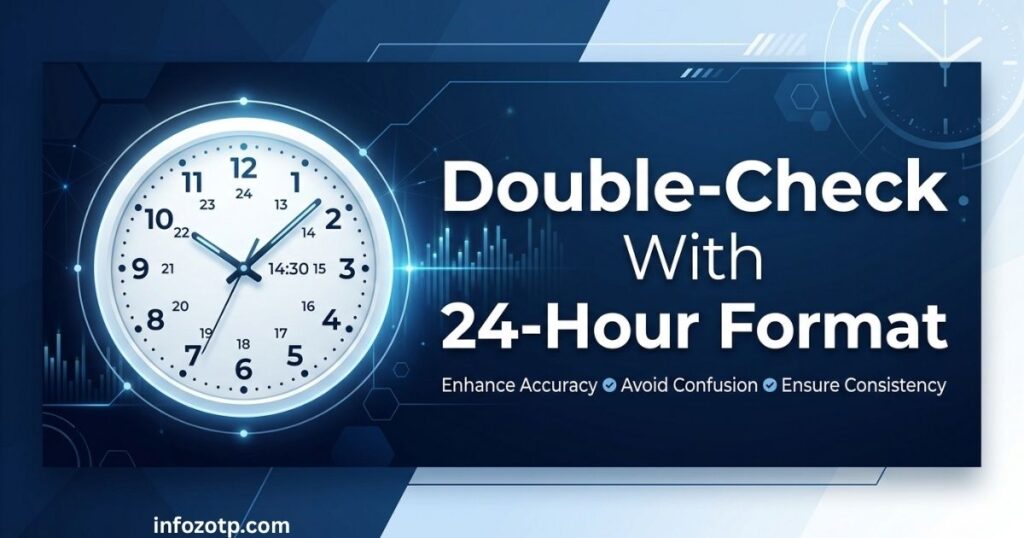
If AM/PM math ever feels shaky, convert to 24-hour (military) time first. It removes the guesswork entirely.
- Convert your time to 24-hour format
- Subtract 6
- If the result is negative, add 24 and move back one calendar day
- Convert back to 12-hour format if needed
Time 6 Hours Ago: Quick Reference Table
Here’s a table covering common times throughout the day so you can just look up the answer instead of doing the math yourself.
| Current Time | Time 6 Hours Ago | Day Change? |
| 12:00 AM (Midnight) | 6:00 PM | Previous day |
| 2:00 AM | 8:00 PM | Previous day |
| 4:00 AM | 10:00 PM | Previous day |
| 6:00 AM | 12:00 AM (Midnight) | Same day (technically the start) |
| 8:00 AM | 2:00 AM | Same day |
| 10:00 AM | 4:00 AM | Same day |
| 12:00 PM (Noon) | 6:00 AM | Same day |
| 2:00 PM | 8:00 AM | Same day |
| 4:00 PM | 10:00 AM | Same day |
| 6:00 PM | 12:00 PM (Noon) | Same day |
| 8:00 PM | 2:00 PM | Same day |
| 10:00 PM | 4:00 PM | Same day |
24-Hour Format Conversion Table
If you work with logs, scheduling software, or international teams, you’re probably dealing with 24-hour time. Here’s the same calculation in that format.
| Current Time (24-hr) | Time 6 Hours Ago (24-hr) |
| 00:00 | 18:00 (previous day) |
| 03:00 | 21:00 (previous day) |
| 06:00 | 00:00 |
| 09:00 | 03:00 |
| 12:00 | 06:00 |
| 15:00 | 09:00 |
| 18:00 | 12:00 |
| 21:00 | 15:00 |
| 23:00 | 17:00 |
Real-World Scenarios Where This Matters
This isn’t just a math riddle — people search for this because it actually affects their day. A few common situations:
Scheduling Across Time Zones
If someone tells you “the meeting happened 6 hours before your call,” and your call was at 1:00 PM your time, you now know it was 7:00 AM. Combine that with time zone offsets and you can pinpoint exactly when something occurred for a colleague overseas.
Checking Message or Notification Timestamps
Ever open an app and see “6 hours ago” under a message? If it’s currently 11:30 PM, that message came in at 5:30 PM — useful when you’re trying to reconstruct a timeline of events.
Medication or Dosage Tracking
A lot of people search this because they’re tracking when they last took medicine. If a dose is due every 6 hours and it’s currently 9:00 AM, the last one should have been at 3:00 AM.
Flight and Travel Logs
Long-haul flights often list departure and arrival times that are hours apart. Subtracting 6 hours from a landing time can help you estimate boarding or departure windows, especially when cross-referencing with layovers.
Server and System Logs
Developers and IT folks constantly work backward from “now” to find when an error, deployment, or spike happened. A log entry timestamped 6 hours before a 2:00 PM check-in point out to be 8:00 AM.
Common Mistakes People Make
Even though the math is simple, people mess this up constantly. Here’s where it usually goes wrong:
- Forgetting the day rollover. Subtracting 6 hours from anything before 6:00 AM pushes you into yesterday. Skipping this step gives you the wrong day entirely.
- Mixing up AM and PM. Once the hour crosses below 1, the AM/PM label has to flip. Forgetting this is the single most common error.
- Ignoring time zones. “6 hours ago” for you might be a completely different clock time for someone in another region. If you’re coordinating with others, always clarify whose clock you’re using.
- Not accounting for daylight saving time. If a daylight saving shift happened within that 6-hour window, the math isn’t a clean subtraction anymore — you may need to add or subtract an extra hour.
- Rounding minutes incorrectly. The minutes stay exactly the same; only the hour changes. People sometimes round minutes up or down out of habit, which throws off the final answer.
Why People Search “What Time Was It 6 Hours Ago”
This might seem like a random question, but it comes up constantly for practical reasons:
- Digital timestamps are relative. Apps like Instagram, Twitter/X, WhatsApp, and Slack show “X hours ago” instead of exact clock times, so people naturally want to convert that into something concrete.
- Coordinating with remote teams or family abroad. When someone says “call me 6 hours ago your time,” you need a fast mental shortcut.
- Alibi or timeline reconstruction. Whether it’s for personal reasons or professional ones (security footage, work logs), people often need to trace back exactly when something happened.
- Health and routine tracking. From medication schedules to sleep tracking, six-hour windows show up often in daily life.
- Simple curiosity paired with mental math friction. Sometimes people just don’t want to do the subtraction themselves, especially when tired or distracted.
Related Calculations You Might Also Need
Since “6 hours ago” rarely stands alone, here are similar calculations people often search for right after:
| Related Question | Quick Method |
| What time was it 3 hours ago? | Subtract 3 from the current hour |
| What time was it 12 hours ago? | Flip AM/PM, keep the hour number the same |
| What time will it be in 6 hours? | Add 6 to the current hour instead of subtracting |
| What time was it 24 hours ago? | Same clock time, previous day |
| What day was it 6 hours ago? | Only changes if current time is before 6:00 AM |
If you found this useful, it’s worth bookmarking a simple time zone converter or setting your phone’s clock app to show multiple time zones — it saves you from doing this math manually every time.
Conclusion
Figuring out what time it was six hours ago really comes down to one thing: subtract 6 from the hour, watch for the AM/PM flip, and check whether you’ve rolled into the previous day.
Once you get comfortable with that pattern, you’ll be able to do it in your head almost instantly — no calculator, no app, no confusion. Keep the tables above handy for quick lookups, and you’ll never have to second-guess a timestamp again.
Frequently Asked Questions
What time was it 6 hours ago if it’s currently 12:00 PM?
If it’s currently 12:00 PM (noon), six hours ago it was 6:00 AM the same day.
Does the day change when calculating 6 hours ago?
Only if your current time is earlier than 6:00 AM. In that case, subtracting six hours moves you into the previous calendar day.
How do I calculate this across different time zones?
First convert the current time to the time zone you’re interested in, then subtract 6 hours from that converted time. Doing the subtraction before converting time zones often leads to mistakes.
Is there a difference between 6 hours ago and 6 hours before a specific time?
No, the math is identical. “6 hours ago” simply means “6 hours before right now,” so the same subtraction method applies whether you’re working from the present moment or a fixed past timestamp.
What’s the easiest way to avoid mistakes with this calculation?
Convert to 24-hour format before subtracting. It removes the AM/PM confusion entirely and makes the day rollover much easier to spot.